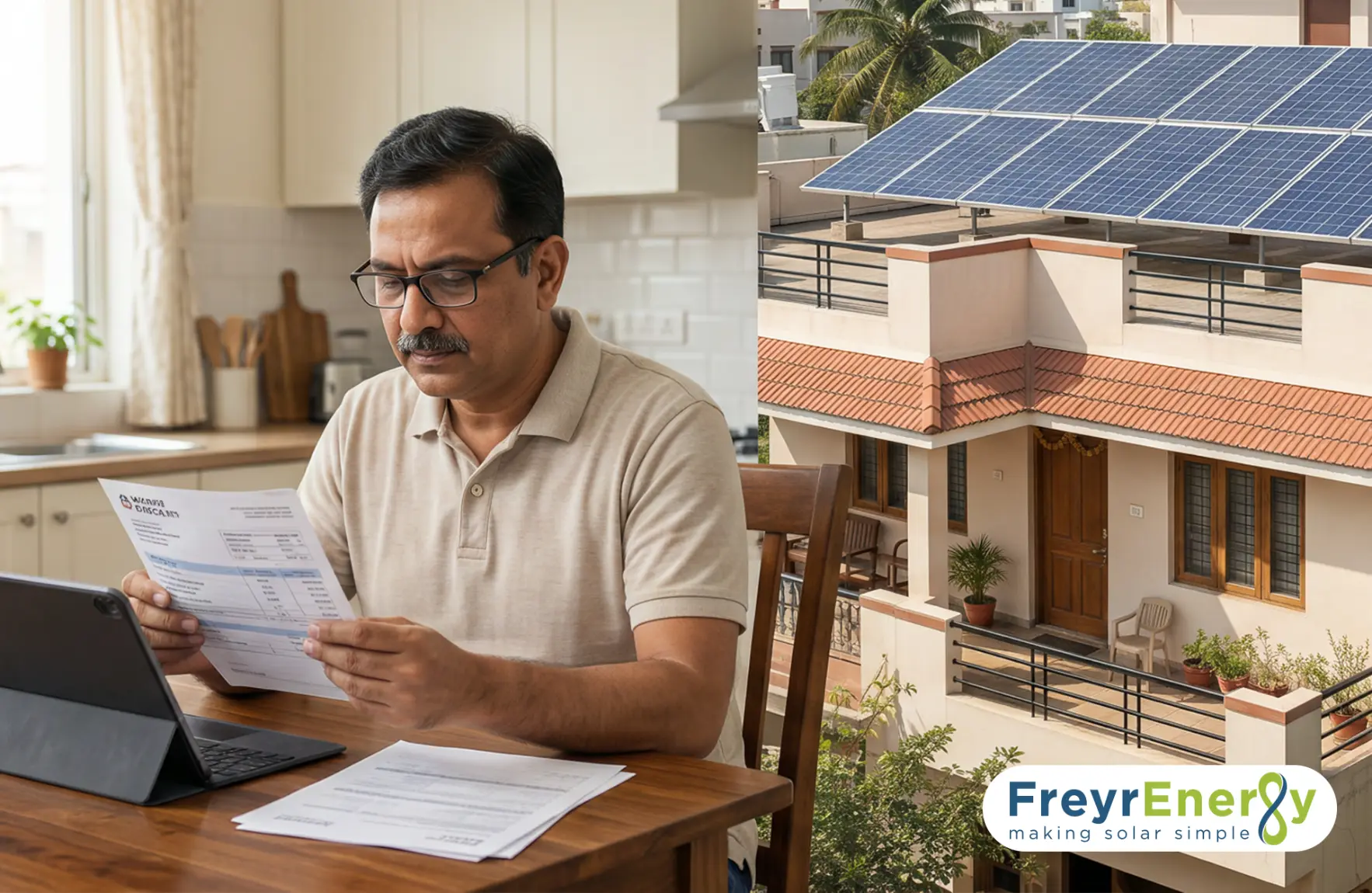
Is your PM Surya Ghar application rejected, waiting for DISCOM approval, or stuck even though your solar panels are installed? Start by logging in to the official PM Surya Ghar portal and reading the latest application status and remarks. A pending application may simply be waiting for an inspection, documents, metering, or payment processing. A returned or rejected claim needs a different response: identify the recorded reason and ask the responsible party how to correct it.
Under PM Surya Ghar: Muft Bijli Yojana, eligible residential consumers can apply for central financial assistance (CFA) for qualifying rooftop solar installations. This guide explains common issues, who may need to act and how to follow up without creating an unnecessary duplicate application.
Quick Takeaways
- A pending application is not necessarily rejected. Check the latest status and remarks on the official PM Surya Ghar portal.
- A rejection or return can involve incorrect connection details, eligibility, missing documents or an installation that does not meet scheme requirements.
- Ask your vendor about installation and documents; ask your DISCOM about inspection, metering and approval; use official portal support for technical or subsidy issues.
- The MNRE guidelines provide for CFA processing within 15 days of DISCOM approval, not within 15 days of installation.
- Before reapplying, confirm whether your existing application can be corrected or reviewed. A new application is not automatically the right solution.
Why was my PM Surya Ghar application rejected and how can I fix it?
A PM Surya Ghar application or Solar subsidy claim may be returned or rejected because of incorrect consumer details, an ineligible connection, incomplete documents, or equipment or installation non-compliance. Check the exact reason in the portal remarks, then ask your DISCOM or registered vendor to address the specific issue. Confirm whether correction, reinspection or reapplication is permitted before submitting again.
Check your PM Surya Ghar application status
Visit https://www.pmsuryaghar.gov.in/ and sign in to your consumer account. Open your application and record the current stage, any remarks and the date. The descriptions below are practical categories, not a promise of exact portal labels:
- Registration or details issue: Compare the consumer number, DISCOM, and connection details with your latest electricity bill. Ask the DISCOM if its records need correction.
- Returned for correction: Identify the specified document or information and ask your vendor or DISCOM who must make the correction.
- DISCOM approval, inspection or metering pending: Ask the DISCOM which step remains open and whether it needs anything from you or your vendor.
- Claim rejected: Request the documented reason and the available correction or review process. Do not assume that resubmission is automatically allowed.
- Subsidy pending after approval: Check whether the claim and payment details are complete, then raise a subsidy-related grievance if necessary.
MNRE’s residential CFA guidelines allow the DISCOM to approve a post-installation claim, return it for correction or reject it with adequate justification after inspection. A pending stage alone does not mean the application has been rejected.
Why is my PM Surya Ghar application rejected? Common reasons and fixes
Consumer information or eligibility issues
A wrong consumer number, incorrect DISCOM selection or a mismatch with electricity records can prevent an application from progressing. Compare the information on the portal with your latest bill and ask the DISCOM how to correct any mismatch. Residential CFA is for eligible residential connections; a commercial or industrial connection does not qualify for the residential component.
A previous subsidy does not necessarily rule out all additional support. The guidelines provide for eligible system expansions within applicable capacity limits and after accounting for earlier assistance. Ask the DISCOM to check the previous installation and applicable rules before applying; do not assume a second full subsidy is available.
Vendor or installation document problems
The scheme requires a vendor registered on the National Portal. After installation, the consumer updates system details and uploads required documents, including geo-tagged photographs; the vendor may assist through the consumer login. Missing photographs, incomplete records or a mismatch between the submitted and installed capacity or equipment can require clarification or correction.
Ask the vendor to compare the portal submission with the installed system and provide the relevant documents. If your installer was not registered, ask the DISCOM and portal support for the permitted remedy before paying for a replacement or starting over. Registration alone does not guarantee approval.
Equipment or technical non-compliance
Domestic Content Requirement (DCR) compliance is important. MNRE’s guidelines require domestically manufactured solar PV modules using domestically manufactured solar cells for the scheme; non-DCR modules are not eligible for CFA under those guidelines. Ask your vendor for evidence of compliance and have the DISCOM clarify the finding if it is disputed.
A document error and an equipment defect are different problems. An incorrect upload may be correctable, whereas non-compliant equipment or a failed safety inspection may require physical rectification and reinspection. Confirm the corrective work, responsibility and cost in writing before proceeding.
Why is my application pending at DISCOM approval or net metering?
A pending DISCOM stage can relate to feasibility, inspection, a metering agreement, meter installation or commissioning. Ask for the exact pending step rather than assuming the system failed.
The 2024 MNRE guidelines state that applications for solar systems up to 10 kW are deemed accepted without separate technical feasibility approval under the relevant consumer rules, while noting that documentation may still be required until the provision is operationalised locally. Confirm current state regulations and your DISCOM’s process; deemed feasibility does not remove safety, inspection or metering requirements.
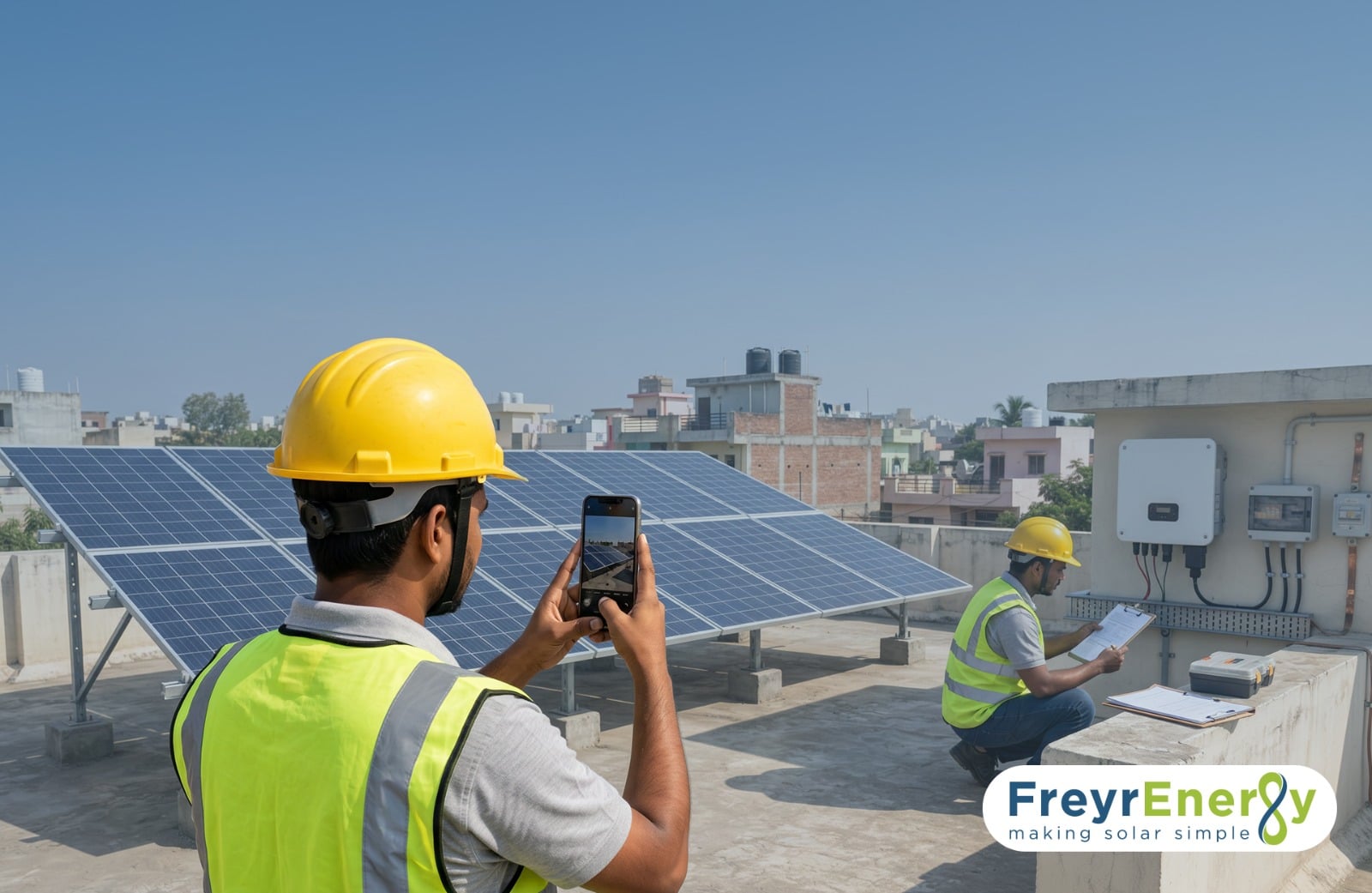
After installation, the DISCOM physically inspects the system, completes applicable agreements and records its decision on the portal. If inspection fails, request the specific checklist item and ask the vendor to remedy defects within its responsibility before seeking reinspection. For a net meter delay, ask whether the hold-up is documentation, an agreement, meter availability or another issue. Net-metering and billing arrangements depend on applicable state regulations.
Why is my PM Surya Ghar subsidy pending after installation?
Installing panels is not the same as completing inspection, commissioning and a subsidy claim. The MNRE guidelines say CFA will be processed within 15 days of approval by the concerned DISCOM. This is a processing provision measured from approval, not a guarantee that the money will arrive within 15 days of installation.
Before following up, check:
- Has the DISCOM physically inspected the system and approved the application on the portal? Record the approval date.
- Are installation details and required documents complete, and are there unresolved remarks?
- Have you completed the claim or e-token step and supplied the bank information requested on the portal?
- If you financed the system, check the applicable loan account and ask the lender where the subsidy was credited.
The guidelines provide for CFA to be credited to the consumer’s loan account when the specified financing arrangement applies; any amount above the outstanding loan is to be paid to the consumer’s bank account. Confirm how your particular loan is linked before assuming a payment is missing.
How to correct or escalate a stalled application
- Save the application ID, consumer number, screenshots of the status and remarks, and dates of installation, inspection and approval, where applicable.
- Ask your registered vendor to address installation, equipment or documentation issues within its scope. Keep written records and any correction or reinspection request.
- Contact your DISCOM for feasibility, inspection, meter, commissioning or electricity-record issues. Request the specific pending action and a reference number.
- For portal errors or a subsidy-payment problem, use the support or grievance options available on the official portal. The scheme’s official channel also lists the helpline 15555.
- Include your application ID, DISCOM, exact status, relevant dates, what has already been done and the resolution requested. Do not share OTPs, passwords or full bank details in public messages.
- If you disagree with a rejection or no reason is visible, request the written justification and ask the DISCOM or portal support about review, correction or reapplication. Keep the grievance reference and follow up through the applicable channel.If you are planning an installation, choose a provider that can explain the system, documentation and responsibilities clearly. Freyr Energy offers residential solar installation support; confirm its registration for your DISCOM and the services included in your agreement before proceeding.
Conclusion
A rejected application and a pending subsidy require different actions. Start with the portal remarks, then identify whether the next step belongs to you, your vendor, your DISCOM or the subsidy support team. Preserve the application ID and written records, correct the specific issue and confirm the permitted route before reapplying. For payment delays, use the DISCOM approval date as your reference and check both your claim and any linked loan account. A clear record makes it easier for the right team to investigate without promising an outcome or a fixed payment date.