
Direct answer: To save energy while working from home, measure daily use, then focus on air conditioning, computers, lighting and equipment left on unnecessarily. Use daylight and task lighting, sensible thermostat and fan settings, sleep modes, efficient hardware and a consistent shutdown routine. Track kWh before and after to confirm results. Use a seven-day baseline and measure kWh after each change; this shows whether the saving came from cooling, computing, lighting or simply different weather and working hours.
Introduction
Working from home moves lighting, cooling, computing and kitchen use into hours that were previously spent elsewhere. Small habits help, but the largest savings usually come from identifying the few loads that dominate consumption. This guide combines ten practical actions with a measurement-first energy audit, appliance priorities and a simple worked example so a household can reduce units without sacrificing comfort or productivity.
Quick Takeaways
- Measure kWh before and after changes.
- Cooling and computers usually deserve attention before small chargers.
- Daylight, fans, sleep settings and shutdown routines are practical.
- Avoid comfort or productivity loss from unrealistic targets.
- Tariff changes can hide or exaggerate energy savings in rupees.
Work-from-home energy priorities
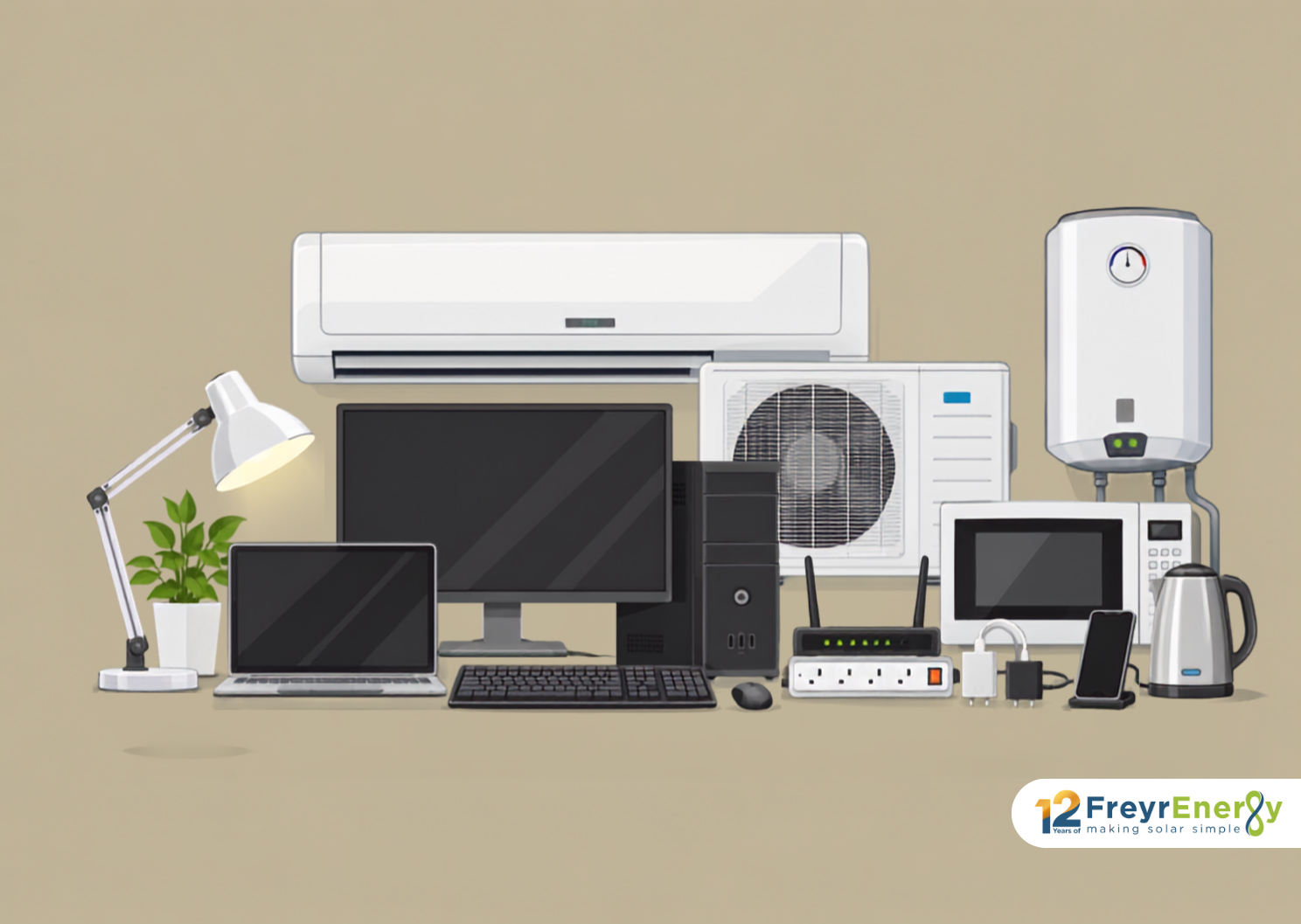
| Load | Measurement | Priority action |
|---|---|---|
| Air conditioning | Run hours and set point | Shade, fans, sensible temperature |
| Computer/display | Plug-level kWh | Sleep and efficient hardware |
| Lighting | Wattage × hours | Daylight and task lighting |
| Standby loads | Night baseload | Shutdown or smart strip |
| Kitchen/water heating | Timing and wattage | Efficient use and scheduling |
Fortunately, a few practical changes can help you save energy while working from home without affecting comfort or productivity.
1. Make the Most of Natural Light
Set up your workspace near a window and keep curtains or blinds open during the day. Natural light reduces the need for artificial lighting and can create a brighter, more comfortable workspace.
Avoid placing your screen directly opposite a window, as glare may make it difficult to work.
2. Use a Laptop Instead of a Desktop
Laptops generally consume less electricity than desktop computers because they are designed to operate efficiently on battery power. If a desktop is necessary, choose an energy-efficient monitor and switch it off during long breaks.
3. Activate Energy-Saving Settings
Enable sleep mode, battery saver and automatic screen-off settings on your computer. These features reduce electricity consumption whenever the device is inactive.
Lowering screen brightness to a comfortable level can also help conserve battery power.
4. Reduce Standby Power Consumption
Chargers, printers, monitors and other devices may continue consuming electricity while plugged in. Disconnect equipment that is not being used or connect related devices to a smart power strip that can cut standby power.
Avoid unplugging essential equipment, such as routers, while it is required for work.
5. Use Air Conditioning Efficiently
Air conditioners are often among the largest electricity consumers in a home. To improve efficiency:
- Keep doors and windows closed while the AC is operating.
- Use a comfortable temperature setting instead of excessive cooling.
- Run a fan with the AC to improve air circulation.
- Switch off cooling when leaving the room.
- Keep filters clean to maintain airflow.
These simple habits can help reduce electricity consumption at home.
6. Switch Off Devices During Breaks
Turn off lights, monitors, printers and other equipment when they are not required. For shorter breaks, use sleep mode; for longer periods, shut down the computer and connected accessories.
Small amounts of wasted electricity can accumulate when devices remain active throughout the day.
7. Maintain Electrical Appliances
Regular maintenance helps appliances operate efficiently. Clean AC filters, remove dust from computer vents and arrange professional servicing when required.
Poorly maintained appliances may consume more electricity and experience unnecessary wear.
8. Replace Old Bulbs With LEDs
LED bulbs use less electricity and generally last longer than traditional incandescent bulbs. Replace frequently used lights first, especially those in your home office, kitchen and living areas.
Choose the appropriate brightness and colour temperature to create a comfortable working environment.
9. Use Appliances More Thoughtfully
Plan the use of energy-intensive appliances instead of running them unnecessarily. Operate washing machines with full loads, switch off unused televisions and avoid leaving kitchen appliances on standby.
You do not need to prevent every appliance from operating simultaneously. The goal is to eliminate avoidable consumption and use each device efficiently.
10. Consider Rooftop Solar
A solar system for your home can generate electricity during daytime working hours, when household consumption may be high. This can reduce the number of electricity units purchased from the grid.
Actual savings depend on electricity usage, system capacity, sunlight, tariffs and local net-metering rules. Use the Freyr Energy solar calculator to estimate a suitable system size based on your requirements.
Find the Loads That Matter First
| Load | What to measure | High-value action |
|---|---|---|
| Air conditioning | Input power, hours, set point and room conditions | Reduce heat gain, maintain filters, use fans and efficient settings |
| Computer and displays | Actual watts and active/idle hours | Use sleep settings, reduce unnecessary displays and shut down after work |
| Lighting | Lamp wattage and hours | Use daylight and efficient task lighting |
| Kitchen appliances | Power and run time during work hours | Avoid repeated heating and keep appliances maintained |
| Standby devices | Measured combined overnight load | Use switched strips where safe and practical |
Run a Seven-Day Home-Office Energy Audit
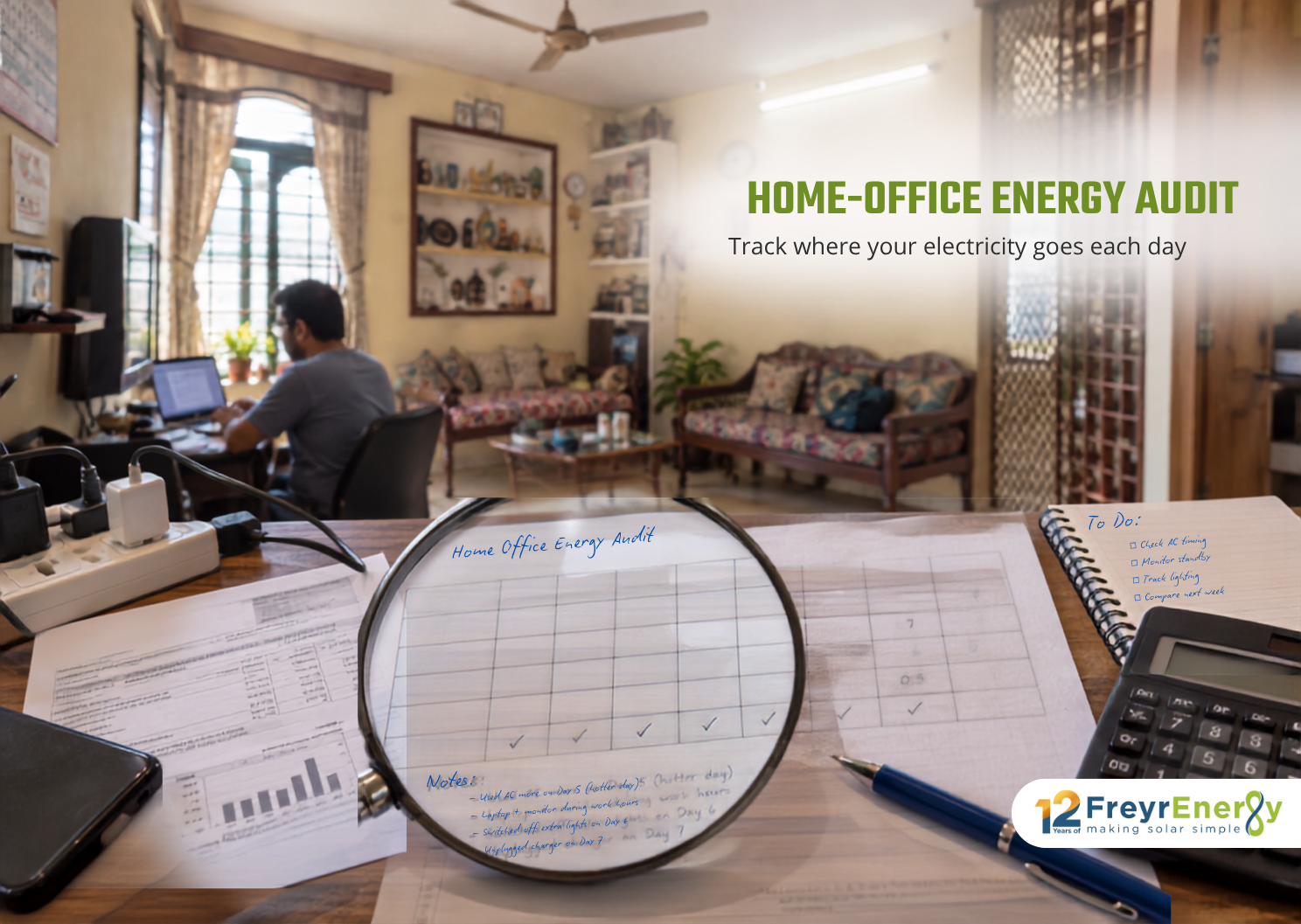
- Record the electricity-meter reading at the same time each day for one baseline week.
- List working hours, cooling hours and unusual events such as guests, laundry or EV charging.
- Measure uncertain equipment with a plug-in energy meter when compatible with the appliance.
- Apply two or three changes for a second week under similar weather and working conditions.
- Compare kWh per day, not only the bill amount, because tariffs and billing days can change.
Cooling Without Sacrificing Comfort
There is no universal energy-saving AC temperature for every person, building and climate. Use the highest comfortable set point, combine it with air movement from a fan, close unnecessary gaps, shade direct solar gain and clean filters according to the manufacturer’s instructions. Avoid repeated extreme thermostat changes. For a frequently occupied room, equipment sizing, star rating, part-load efficiency and envelope heat gain can matter more than a single temperature recommendation.
Calculate the Value of a Change
Energy formula: Energy used (kWh) = appliance power (kW) × operating hours. Cost avoided = kWh reduced × the applicable marginal electricity rate.
If a 1.2 kW average cooling load is reduced by 45 minutes per workday, the energy difference is about 0.9 kWh per day before considering weather and cycling. Across 22 workdays that is roughly 19.8 kWh. Measure the actual result because compressor operation is not constant.
Where Rooftop Solar Fits
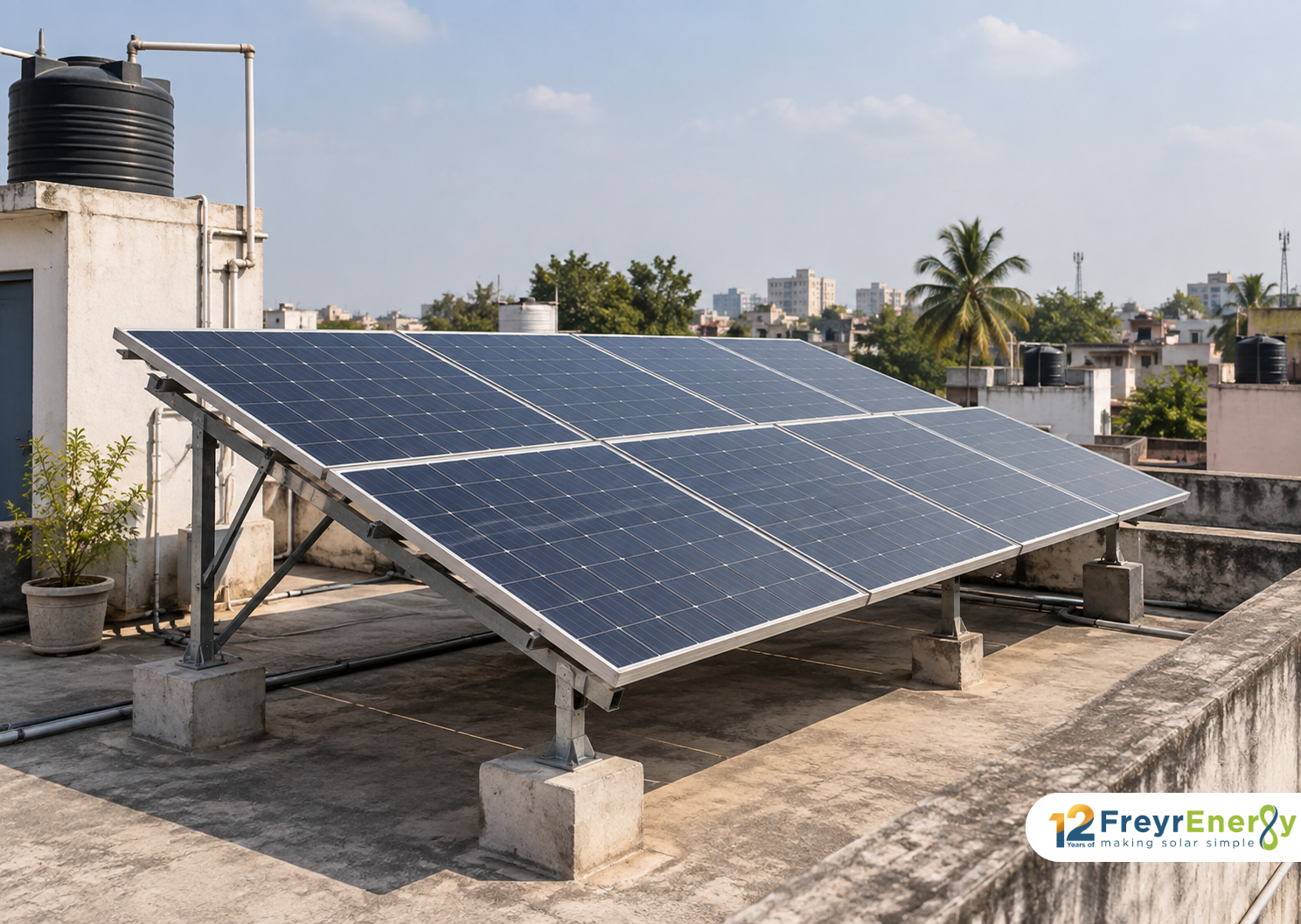
Work-from-home demand can improve solar self-consumption because computers and cooling operate during daylight. First reduce avoidable use, then size solar from annual bills, roof conditions and local export rules. A standard on-grid system does not provide power during an outage; uninterrupted work may still require a UPS, hybrid inverter or another backup design sized for the router and essential equipment.
Efficiency Upgrades Before Solar
Replace failed or heavily used inefficient lighting and equipment when the energy saving justifies the cost, seal obvious cooling losses, and maintain filters and refrigerators. Avoid discarding functional equipment only for a small theoretical gain; include purchase cost and embodied impact. Reducing the baseline first can lower the solar capacity needed and improve self-consumption.
A Practical Shutdown Routine
- Save work and shut down the computer at the end of the workday rather than leaving it active overnight.
- Switch off external displays, task lights, speakers and peripherals that are not needed.
- Use safe switched outlets for grouped electronics; do not disconnect devices that require continuous operation.
- Close the room before cooling and turn off cooling when it will be unoccupied for a meaningful period.
- Review weekly meter data so savings remain visible and habits do not drift.
Do Smart Plugs Always Save Energy?
A smart plug can reveal consumption and automate schedules, but it also uses a small amount of energy and must be correctly rated for the appliance. Do not use it for high-power or safety-critical equipment unless the manufacturer permits the application. The useful question is whether control or measurement prevents enough avoidable runtime to justify the device.
Home-Office Appliance Energy Table
| Appliance | Example measurement approach | Decision question |
|---|---|---|
| Laptop/desktop | Plug-in meter or manufacturer input plus measured duty | Can lower-power equipment meet the work need? |
| External monitors | Measure each screen and active hours | Are all displays needed throughout the day? |
| Wi-Fi/router/ONT | Power rating × 24-hour operation | Which devices must remain on overnight? |
| Air conditioner | Smart meter/energy monitor across similar weather | Can shade, fans, filters and settings reduce compressor time? |
| Lighting | Lamp wattage × actual hours | Can daylight or task lighting replace room-wide lighting? |
| Printer/UPS/speakers | Measure standby and active periods | Can automatic sleep or shutdown remove idle use? |
Prioritise by Annual kWh, Not Wattage Alone
| Pattern | Why it can dominate | Best first action |
|---|---|---|
| Moderate load running all day | Hours multiply a modest wattage | Reduce operating time and idle power |
| High-power load used briefly | May contribute less than expected | Measure actual minutes before replacing it |
| Cooling in a hot room | Weather and heat gain extend compressor runtime | Shade, seal, maintain and use comfortable settings |
| Always-on network equipment | Small but continuous annual use | Remove redundant devices, not essential connectivity |
| Old inefficient device | May waste power every working day | Compare replacement cost with measured annual saving |
Monthly Savings Example
Suppose measured changes reduce 0.8 kWh on each of 22 workdays and 0.2 kWh on eight non-workdays. Monthly reduction is about 19.2 kWh. Multiply by the applicable marginal tariff, not automatically by total bill divided by units. Weather, occupancy and billing days should be noted before attributing the full change to new habits.
Conclusion
Work-from-home energy savings improve when the household targets measured loads rather than chasing every small standby device. Establish a one-week baseline, focus on cooling and computing, apply practical operating changes and compare kWh afterward. Preserve comfort, air quality and productivity. When consumption is already efficient, rooftop solar can address part of the remaining daytime grid use, but efficiency should come first because every avoided unit reduces the capacity that must be generated or purchased.